AI TOOL / #10742
Vatis Tech
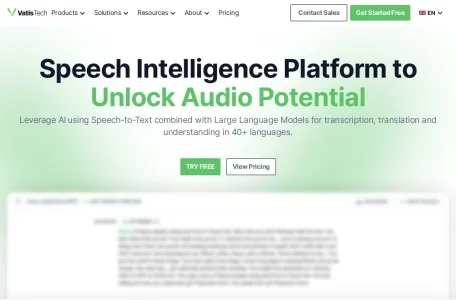
An AI-based speech-to-text infrastructure that includes transcription software and APIs.
Introduction
AI-powered speech-to-text infrastructure with transcription software and APIs.
What is Vatis Tech?
Vatis Tech provides an artificial intelligence-based voice-to-text infrastructure that offers accurate and user-friendly transcription services at competitive prices. Its offerings include transcription software, voice-to-text APIs, subtitle generators, and audio analysis tools. Vatis Tech serves a wide range of industries, including contact centers, broadcasting, healthcare, law, media, newsrooms, podcasts, education, government agencies, as well as national defense and security sectors.
How to use Vatis Tech?
Users can upload audio and video files to the Vatis Tech platform for transcription. This platform supports a variety of file formats and lengths. The transcribed text can be easily edited and modified. Vatis Tech also provides APIs that allow users to integrate the speech-to-text functionality into other applications.
The core functions of Vatis Tech
Transcription software
Voice-to-Text API
Subtitle generator
Audio Intelligence API
Custom model
Speaker recognition
AI Summarization and Assistance Tools
Global language support
Language code switching
Real-time Speech to Text API
Abstract and sentiment analysis
customized vocabulary
Customized AI suggestions
Related
New AgentGrid.io
A cloud drive shared by humans and agents
New Playad
An AI marketing team that automatically generates ads
NewVoiceLearn
AI voice training to learn foreign languages
The new KugelAudio
Voice synthesis and recognition in mainland Europe
The new 10ML Perfume Finder
Free perfume database MCP service
New Point and Yap
Just point at the screen and speak, and the AI will automatically adjust the interface accordingly.