AI TOOL / #02089
Tomat
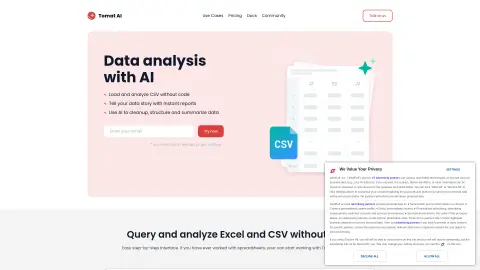
A code-free data analysis platform that utilizes AI to process CSV and Excel files.
Introduction
No-code data analytics platform with AI for CSV and Excel analysis.
What is Tomat.AI?
Tomat.AI is a data analysis platform that requires no coding knowledge. It allows users to analyze CSV and Excel files through a visual, step-by-step interface. With the help of AI agents, it provides functions such as data cleaning, extraction, summarization, and sentiment analysis. Users can quickly generate reports, automate their tasks, and connect to various data sources without writing any code.
How to use Tomat.AI?
Download and install Tomat.ai. Load any CSV or Excel file. Use the intuitive user interface to perform visualizations that involve filtering, sorting, and grouping data. Take advantage of the “AI Columns” or “AI Tables” features to enrich, translate, analyze, or clean your data through natural language commands.
The core features of Tomat.AI
Code-free data analysis
AI-driven data conversion
Visual, step-by-step interface
Automatic data analysis
Data reporting and export
Related
AI Profile For Slack
An AI-powered Slack application designed to enhance workplace culture and collaboration.
YarpAI
YarpBot is a Twitch assistant that utilizes artificial intelligence to provide dynamic and responsive chat interactions.
apna AI
apnaAI: A multilingual AI assistant empowering individuals and small businesses in India.
Short Circuit: Your AI Assistant
The ChatGPT app, available for iPhone, iPad, and Mac, offers personalized features as well as integration with Siri.
PlayThis
A gaming assistant designed for the Steam pending-game list, offering AI-based recommendations and insights into the playing time of various games.
DotsPal
A personalized career assistant app that provides feedback and job search assistance.