AI TOOL / #02388
Chatbox
AI client applications and smart assistants compatible with multiple AI models and APIs, supporting multiple platforms.
Introduction
AI client application and smart assistant compatible with various AI models and APIs across multiple platforms.
What is Chatbox AI?
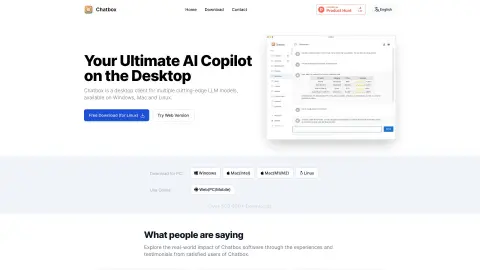
Chatbox AI is an AI client application and intelligent assistant compatible with multiple advanced AI models and APIs. It supports multiple platforms including Windows, MacOS, Android, iOS, Web and Linux. Chatbox AI allows users to converse with documents and images, generate and preview code, perform real-time web searches, and create AI-generated charts and images. It prioritizes data privacy and security by storing data locally.
How to use Chatbox AI?
Download and install the Chatbox AI app for your operating system (Windows, Mac, Linux, Android, iOS). Launch the app and interact with the AI model by entering queries or uploading documents and images. You can also use it through your browser.
Chatbox AI Core Features
AI chat interface
Document and image chat
Code generation and preview
Real-time web search
AI generated charts
AI-driven image creation
LaTeX and Markdown rendering
local data storage
Related
U-Verify for Anglo American – PRD
Utilize machine learning to automatically analyze worker documents within SAP Fieldglass in order to identify any inconsistencies.
RewriterPro
Tools based on artificial intelligence, designed to enhance writing capabilities through natural language processing and personalized customization.
Second Opinion
Use Grok AI to verify the accuracy of content and identify any inaccuracies or deviations.
factfully
Factfully is an AI-powered tool designed to identify false information.
InTouch: LinkedIn auto connections & messages
LinkedIn automation tools designed for generating leads and conducting outreach efforts.
Phantomwriter
AI tools are used to automate the creation of LinkedIn content and promote brand growth.