Upscayl
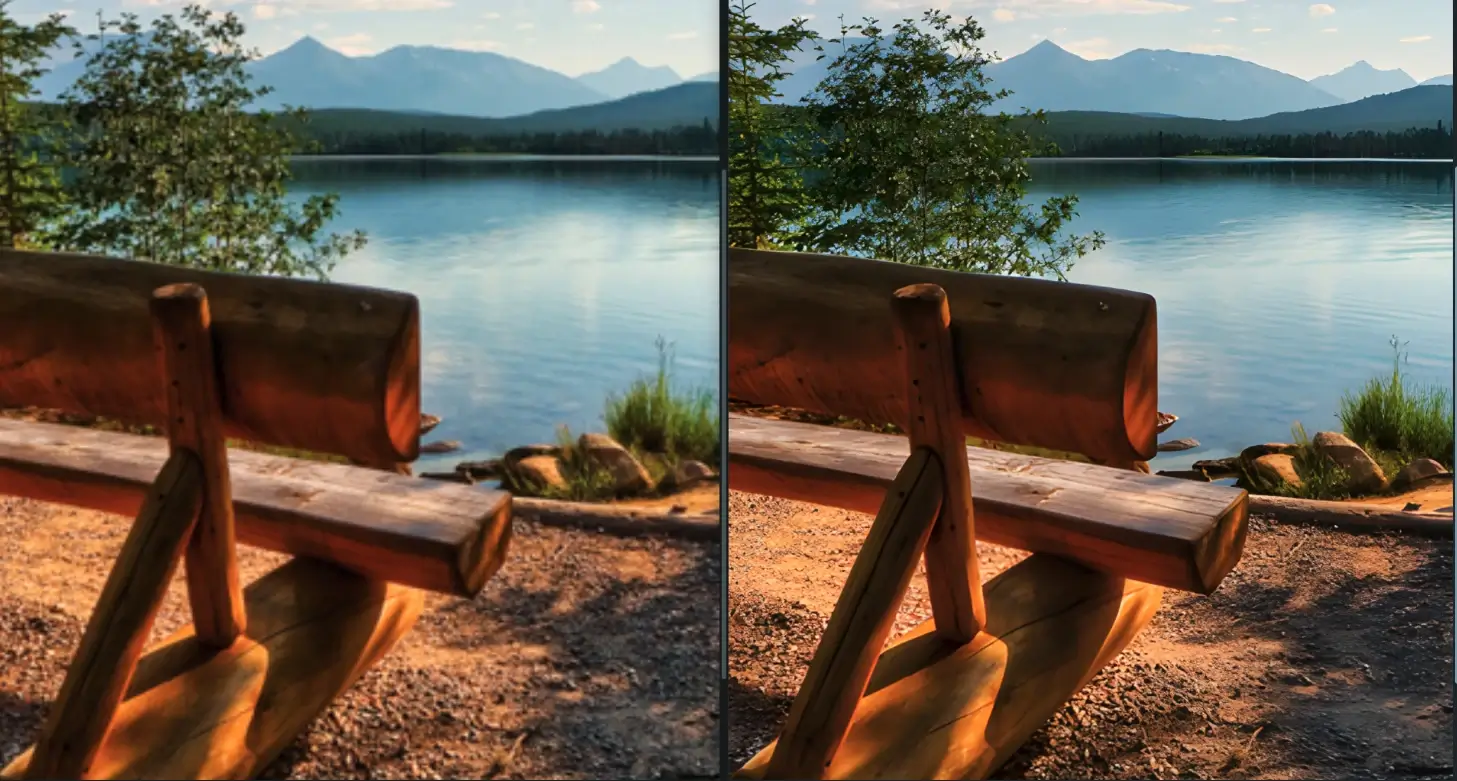
Upscayl Desktop is a free, open-source desktop lossless image upscaling tool that can make blurry images clear! It works especially well for restoring anime, icons, and landscape photos. The software is available for Windows, macOS, and Linux, and its size
Introduction
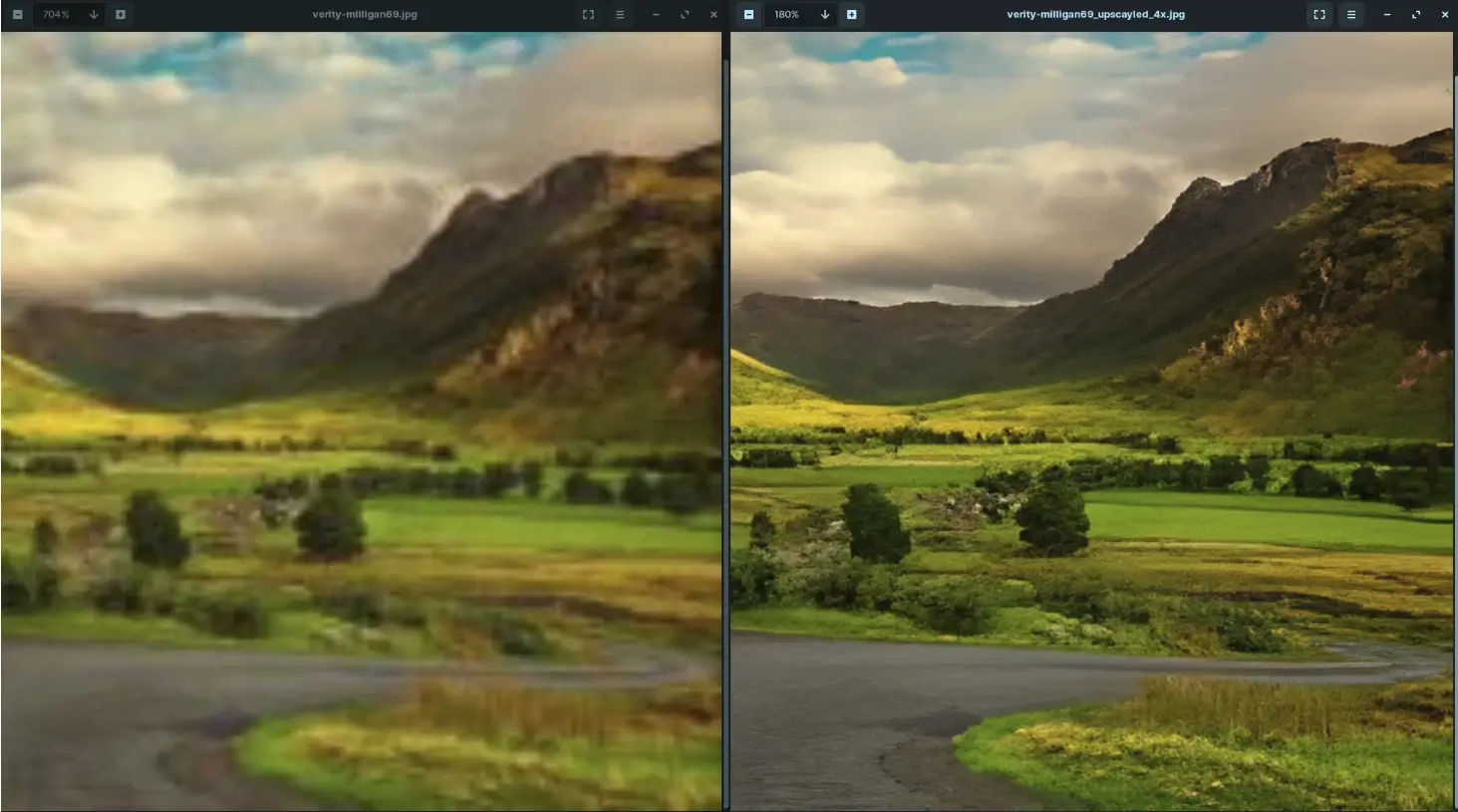
Upscayl Desktop is a free, open-source desktop lossless image upscaler that can make blurry images clear! It is especially effective at restoring anime, icons, and landscape photos.
The software works on Windows, macOS, and Linux, is only just over 200 MB in size, and comes with multiple built-in AI models. Drag an image into the tool and it can make a blurry photo clear in just a few seconds.
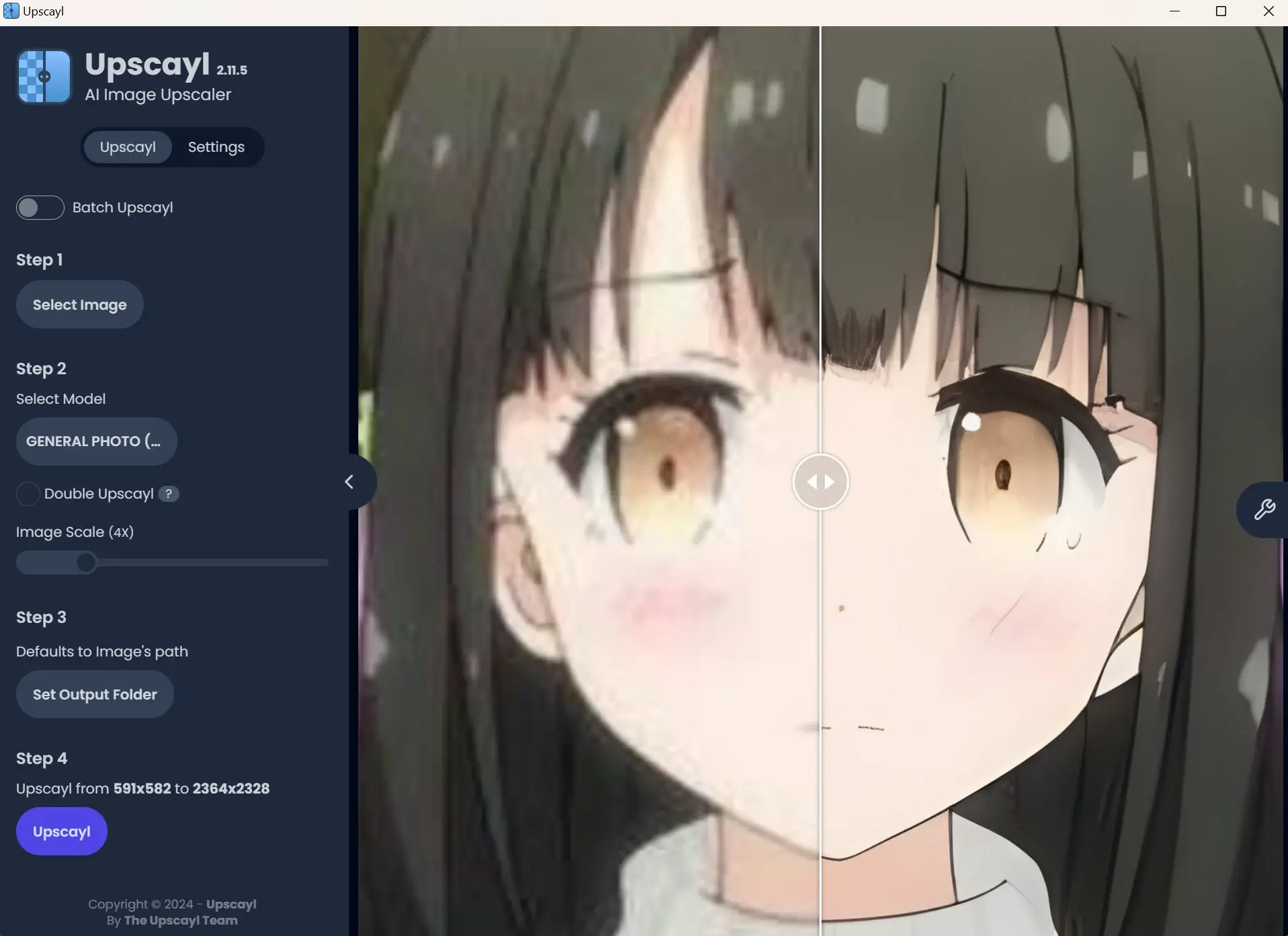
The software runs entirely locally and doesn't require an internet connection. It needs a Vulkan-compatible GPU (graphics card) on your computer to upscale images—though most computers can run it right out of the box.
How to Use the Software
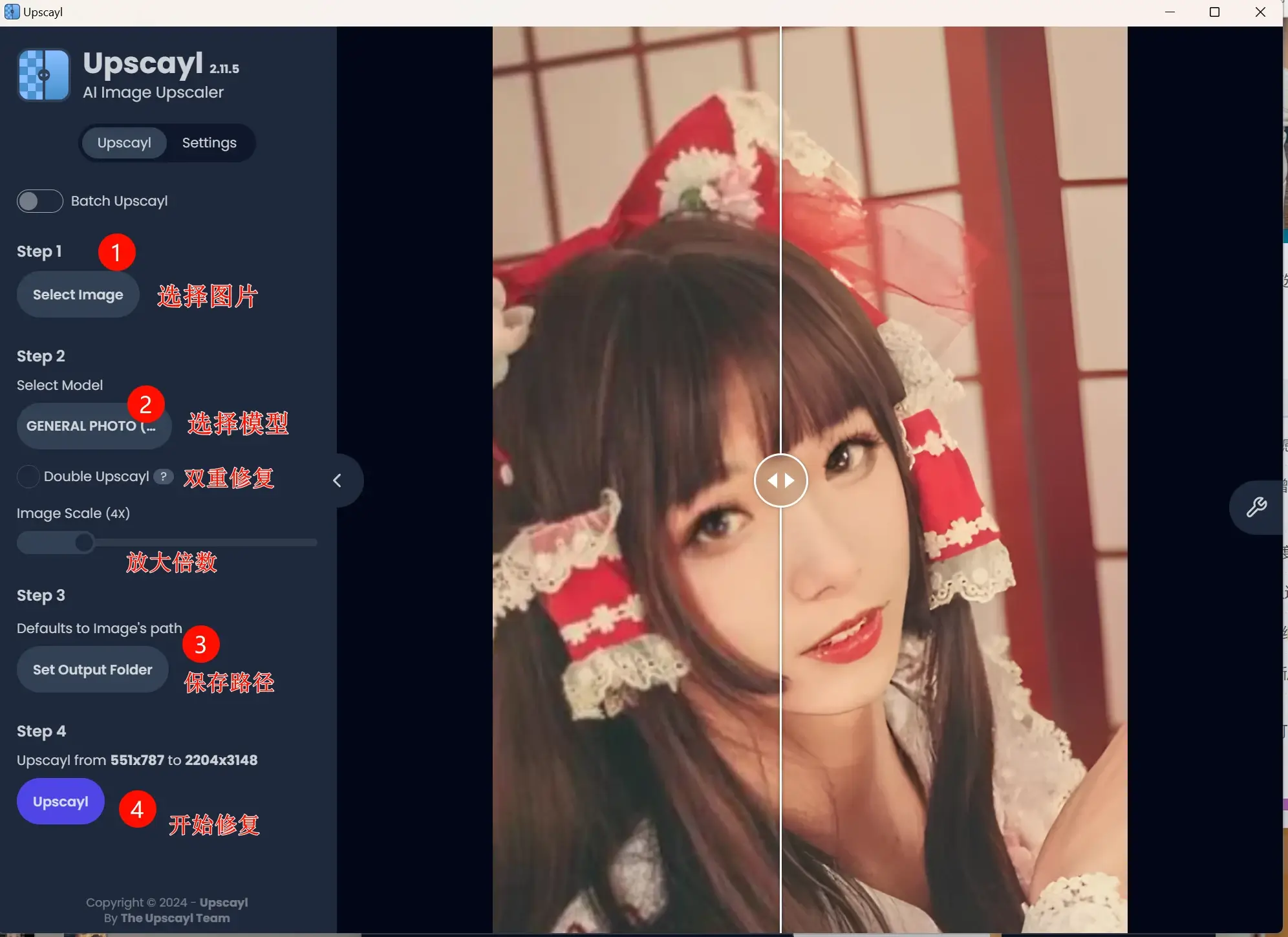
The software defaults to 4x magnification and supports up to 16x. In general, 4x is sufficient—higher magnification not only takes longer and creates larger image files, but may not even improve the results.
It's also very easy to use: just drag the image into the software, then click the [Upscayl] button to process it. The first model is selected by default and is the one used for lossless image upscaling.
Model Features Overview
- REAL-ESRGAN: Enhance image clarity and realism while preserving image details as much as possible.
- RemaCRI: Suitable for image enhancement in specific domains, such as portraits and landscapes. It can better address issues with contrast, saturation, and other aspects.
- UltraMix Balanced: Suitable for processing images with low color saturation while preserving image detail and color balance.
- UltraSharp: Focused on improving image clarity and edge sharpness.
- Digital Art: Specifically designed to enhance details, colors, textures, and other aspects of digital artworks to make them appear more realistic.
- Sharpen Image: Sharpening only—enhances image clarity and edge sharpness without adjusting color balance, detail enhancement, etc.
Software Download
Official website: https://upscayl.org/
GitHub open-source repository: https://github.com/upscayl/upscayl
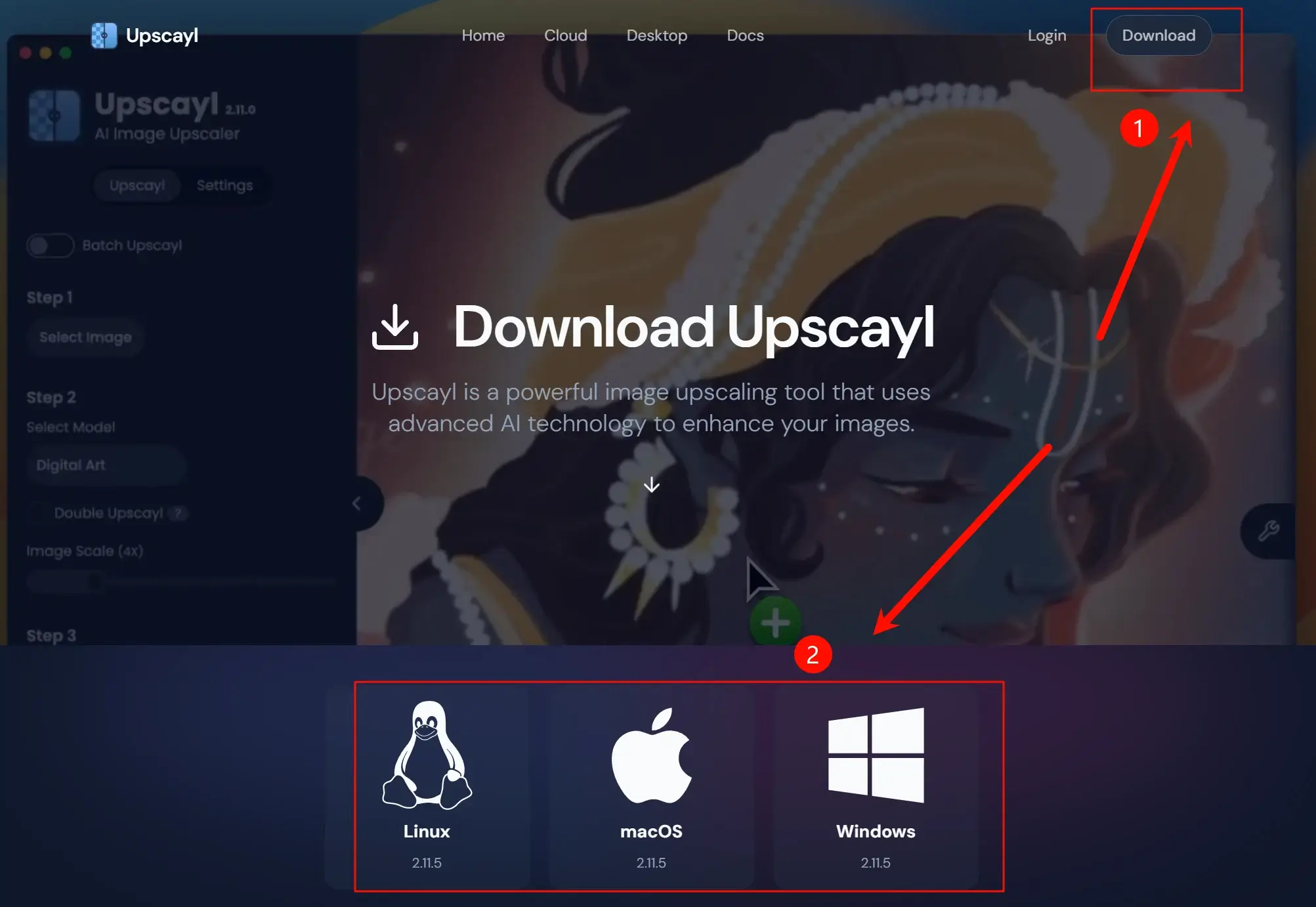
Open the official website, click the Download button in the top right corner, and then download the version that matches your system.