AI TOOL / #06529
AudioTTS – Simple Text to Speech Downloader
A Chrome extension designed to download text-to-speech audio files from various platforms.
Introduction
Chrome extension to download text-to-speech audio from various platforms.
What is the AudioTTS AI Chrome extension/plug-in?
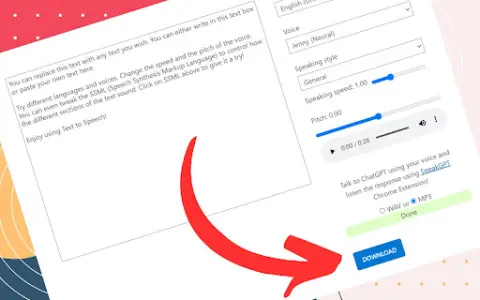
AudioTTS is a Chrome extension designed to download text-to-speech audio files from various platforms, such as Microsoft Azure, Google TTS, IBM Watson, and ChatGPT. It simplifies the process of converting text into downloadable audio files in MP3 or WAV format.
How to use the AudioTTS AI Chrome extension/plug-in?
Install the AudioTTS Chrome extension, visit the supported websites (ChatGPT, Microsoft Azure, Google TTS, IBM Watson), and then click the “Download” or “Read Aloud” button. The audio files will be available for download in MP3 or WAV format.
The core functionality of the AudioTTS AI Chrome extension/plug-in
Download text-to-speech audio files from supported websites.
Supports MP3 and WAV audio formats.
Supports voice downloads via ChatGPT.
Compatible with browsers that support Chrome extensions.
Related
OpenWhispr
Open-source speech recognition software running locally
Scape
Orchestrating multiple coding agents on a Mac
Lightfield
An AI-based CRM system that automatically tracks all interactions with customers.
Skill Shop
A high-quality and safe Skills store!
FloorGen
A free tool that uses AI to generate floor plans and allows for 3D virtual tours.
Maildun
An open-source AI-based email marketing platform