AI TOOL / #09942
Albin
AI art mentors provide in-depth analysis, feedback, and assistance in the field of visual arts.
Introduction
AI art mentor for in-depth analysis, feedback, and assistance in visual arts.
What is the Albin AI Chrome extension/plug-in?
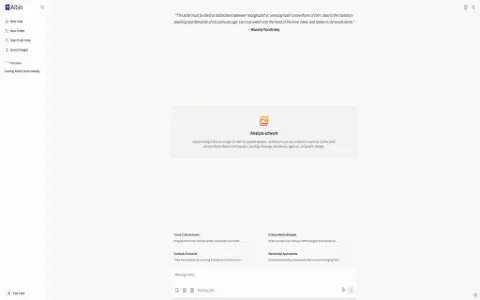
Albin is an AI mentor, muse, and assistant designed for the world of visual arts. It provides in-depth analyses of artistic works, offers personalized feedback, and assists with various tasks such as enhancing portfolios, planning exhibitions, and creating content. The Albin web application, when used in conjunction with browser extensions, enables users to easily submit images for analysis, making it an essential tool for artists, curators, teachers, critics, and students alike.
How to use the Albin AI Chrome extension/plug-in?
1. Install the Albin browser extension.
2. Visit www.albin.ai and register an account (a free plan is available).
3. Right-click on any image available online and select the Albin button to send it for analysis.
The core functions of the Albin AI Chrome extension/plug-in
In-depth analysis of artistic works
Personalized feedback regarding techniques and styles
Assistance with the creation and presentation of portfolios
Exhibition planning support
Provide content creation services for art critics and bloggers.
Related
Monid
Tool bus for AI agents
Qoder
The intelligent agent programming platform developed by Alibaba
World Labs
Spatial Intelligence and 3D World Generation
AskCc
Real-time AI Assistance Tool for Job Interviews
AI Galaxy Intelligent Star Cloud
GPU Computing Power Rental Platform
LovAgents
Infinity Canvas AI Creation