AI TOOL / #05809
DigiFace
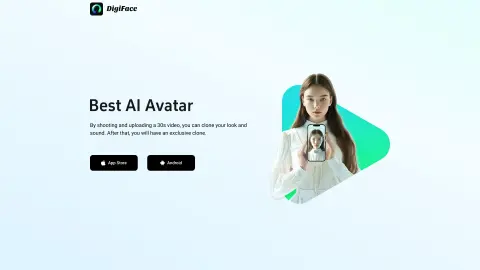
DigiFace uses 30-second videos and text to generate AI-generated avatar videos.
Introduction
DigiFace creates AI avatar videos from a 30s video and text.
What is DigiFace?
DigiFace allows you to seamlessly transform your appearance and voice into an engaging AI avatar video by simply recording and uploading a 30-second video. By entering text, you can instantly generate an AI avatar video with synchronized speech, saving time and improving productivity. With just one 30-second video recording, you can create a clone of yourself in terms of both appearance and voice – and thus obtain a unique digital version of yourself.
How to use DigiFace?
Record and upload a 30-second video to clone your appearance and voice. Then, enter the text you would like to have appear on your avatar, and DigiFace will generate an AI avatar video with that voice.
The core functions of DigiFace
Generation of AI avatars and videos
sound cloning
Physical appearance cloning
Text-to-speech avatar videos
Related
AddSubtitle
Subtitles, dubbing, and translation – all these functions are integrated into one solution to speed up your video production process.
CloneDub
An AI-powered dubbing tool that translates audio and video into multiple languages while cloning voices.
CloneGen
Voice cloning and AI voice studios allow users to create content using custom voices or those of famous individuals.
ai celebrity voice clone
AI-powered celebrity voice cloning lets you enjoy instant voice experiences right in your browser.
FluxAI Pro
Advanced AI image generation p...
Snapshot by AnswersAi
Chrome extension that provides immediate answers and learning assistance through screenshots.